A Video QR Needs Captions, Context and a Useful First Screen
Published by Creativall QR · Updated 2026-10-31
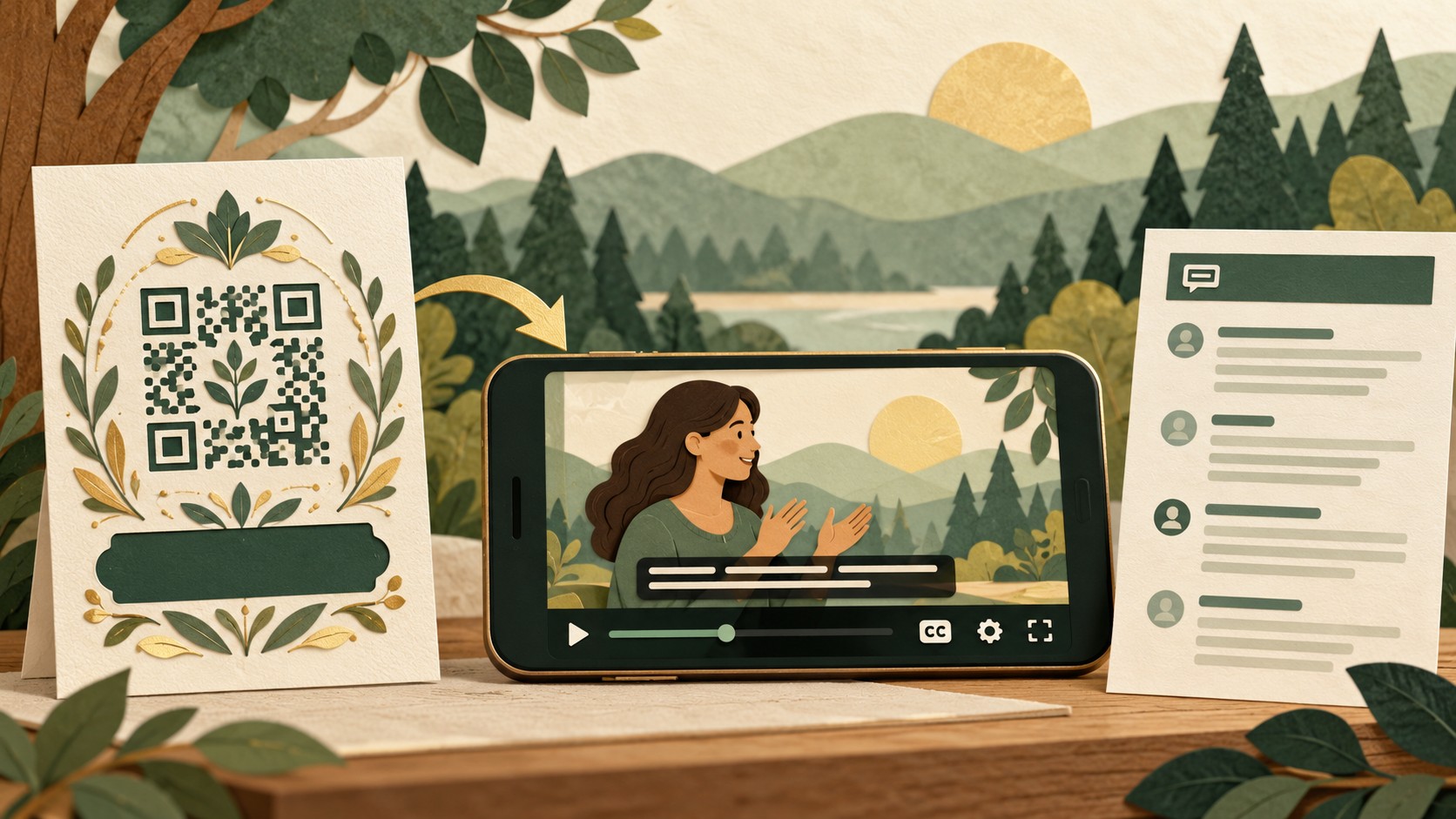
A video can demonstrate a process that is difficult to explain on a small label. A QR code can take viewers there, but it cannot make an unclear or inaccessible video useful. Review the invitation, the video page and the information someone needs if playback is inconvenient.
This checklist is for public demonstrations, introductions and product explainers. It does not assume that linking to a video includes hosting, captioning or playback support from the QR generator.
Tell viewers what they will watch
Write a specific invitation such as “Watch the setup demonstration.” If duration matters to the decision, give an accurate approximate length. Avoid a vague “See more” when the destination immediately begins a long video.
The first screen should identify the subject and make the playback control clear. Check whether the hosting page adds unrelated recommendations, advertising or sign-in requirements that could distract from the task.
Review captions and spoken information
Check captions against the finished audio, especially names, numbers and technical terms. Automated captions can be a starting point, but inspect what viewers will actually see. Make sure essential visual information is also understandable through an appropriate alternative when needed.
W3C's media accessibility guidance discusses captions, transcripts and descriptions for different kinds of media. Use it when planning the actual content requirements rather than treating a single caption toggle as a complete review. Reference: https://www.w3.org/WAI/media/av/
Offer the important steps in text
For a short instruction video, a readable step list can help someone who cannot play audio or needs to find one action quickly. Keep it aligned with the video version. A transcript can support access and reference, but check that it communicates any necessary visual instructions too.
Imagine a fictional assembly video showing a connector without naming it. Copying only the spoken words may leave out the action that matters. Review the complete task with the alternative format in mind.
Test the mobile destination
Open the exact public link without relying on your signed-in creator account. Check whether playback works on the devices available to your team and whether the page explains any download or account requirement. If the file is large, give viewers enough context to decide whether to continue on their current connection.
Do not assume the QR tool hosts the video. Creativall QR's linked-media options point to an existing resource: https://qr.creativall.com/?page=types&lang=en
Keep the printed promise current
Record the video owner, destination and version shown by the code. After replacing or moving the video, scan an existing printed sample and recheck captions, links and text alternatives.
Related reading: reviewing a changed QR destination — https://qr.creativall.com/?page=article&slug=qr-destination-change-review-checklist&lang=en
Approve the code only after checking what happens beyond the scan. Viewers need context, usable information and a way to finish the task when watching is not an option.