One Digital Business Card for a Team, or One per Person?
Published by Creativall QR · Updated 2026-10-13
A company can make one polished contact page and ask everyone to share it. That keeps the brand consistent and gives visitors a single destination. It may also remove the personal context of a conversation with a particular employee.
Individual digital business cards take the opposite approach. Each page can carry the person's name and direct contact choices, but a larger collection needs clear ownership and regular updates. The best structure depends on what a visitor is trying to do after meeting the team.
Begin with the handoff
Imagine a hypothetical design studio at an event. A visitor speaks with its founder about a project. A general company card might be useful for exploring services; a personal card might make the follow-up easier because it identifies the person they met. Another visitor who only wants the studio's public contact channel may prefer a shared page.
Neither example proves that one approach converts better. The choice is about the information the visitor needs and the contact route the organization intends to support.
Where a shared card helps
A shared company card can present a stable brand name, general phone, website and email address. It is useful when inquiries should go through a central team rather than a particular employee. It can also be easier to maintain when staff roles change frequently.
The page should still answer a basic question: who will receive the message? A generic form or contact link may be appropriate, but its label should match the actual process. Avoid implying that a visitor will reach the person they met if the shared channel does not work that way.
Where personal cards help
An individual card can preserve the name, role and direct details from the introduction. A downloadable contact record can help a visitor save that person on a compatible device. The business can retain consistent colors, imagery and a link back to the company site across cards.
The tradeoff is maintenance. When a phone number, role or employee changes, the corresponding page must be reviewed. Printed QR codes that link to hosted pages depend on their original URLs continuing to work. A static vCard encoded in print has a different limitation: its embedded details do not change after printing.
Decide who owns updates
Before publishing several cards, set a simple process. Who approves the displayed name and job title? Who changes contact details when someone moves teams? Who checks that old printed cards still reach a useful page? An owner for each record reduces the chance of a polished but outdated contact experience.
Do not assume a dashboard counter is a count of unique people or successful business conversations. Use it for its stated purpose and validate contact actions separately if those outcomes matter.
A hybrid can preserve both identities
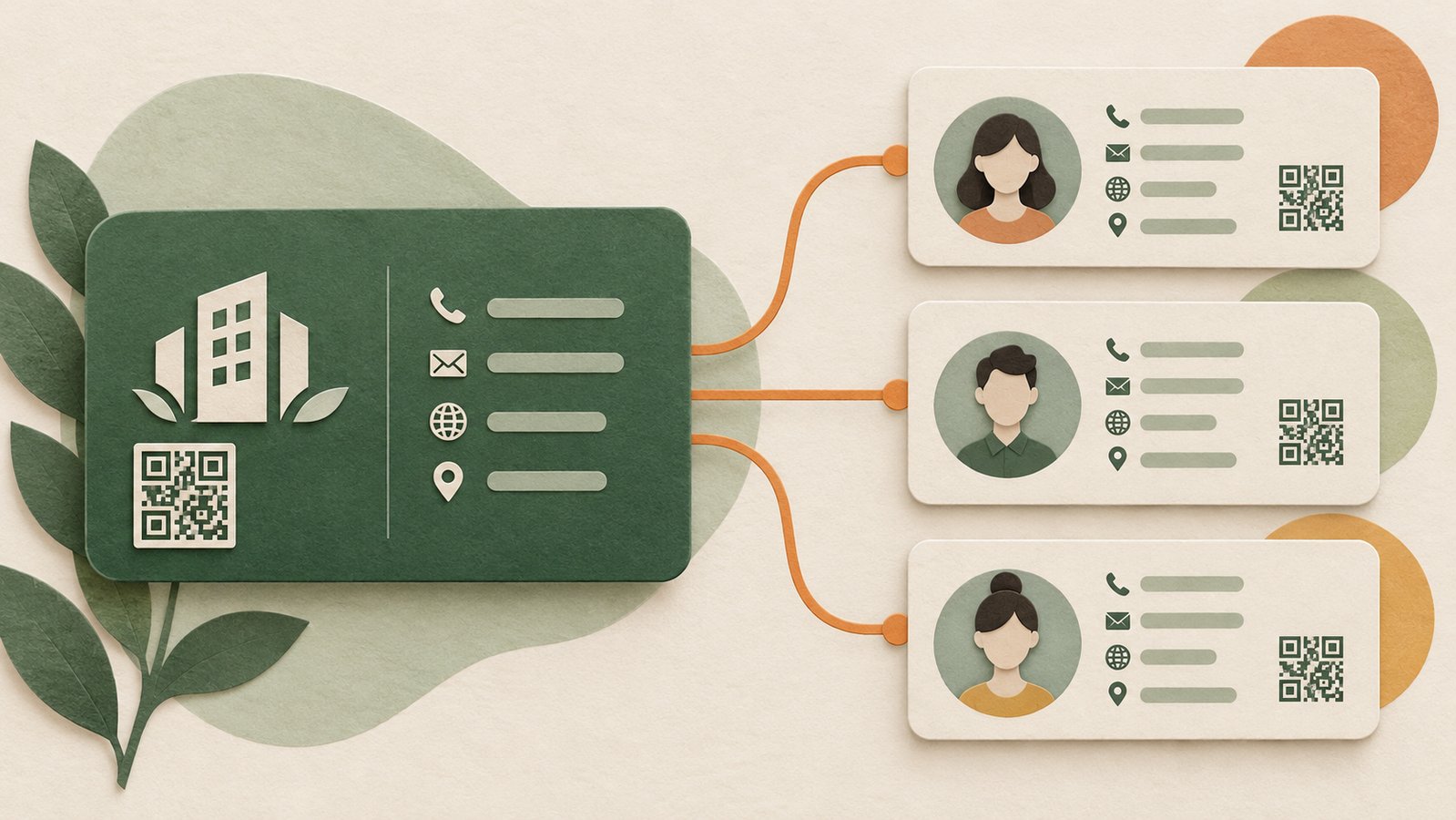
The pages do not have to compete. A personal card can show the individual first and link to the company's wider information. A company page can offer a clear team contact channel and, where appropriate, direct people to named staff. The visitor sees the identity that matches their context without losing the brand connection.
The practical test is simple: after a real introduction, can the recipient tell whom they are contacting, what will happen when they tap, and where to find the company? If those answers are clear, the structure is doing its job.
Related reading: https://qr.creativall.com/?page=article&slug=digital-business-card-vs-vcard-qr&lang=en
Related tool: https://qr.creativall.com/?page=digital-business-card&lang=en