Reusable QR Displays: Keep Permanent Hardware and Changing Content in Sync
Published by Creativall QR · Updated 2026-10-31
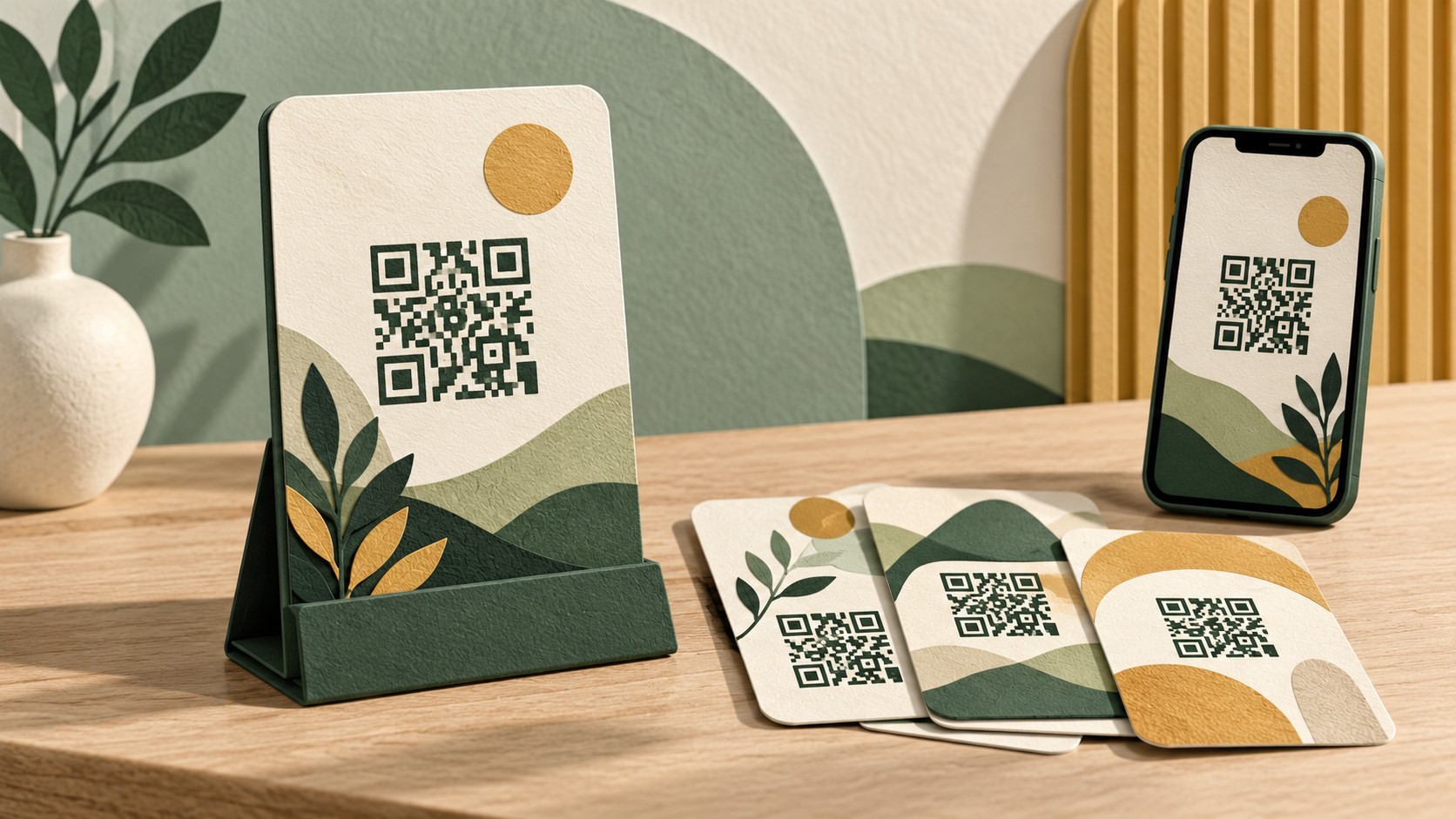
A reusable QR stand can serve many events, tables or campaigns. The stand may remain unchanged while the content behind it changes several times. That makes its label, destination and maintenance record especially important: yesterday's invitation should not silently become today's unrelated task.
This guide covers reusable displays such as counter stands and tabletop signs. It uses hypothetical examples rather than performance claims.
Decide what stays permanent
Separate the physical display from the information it promises. A stand labelled “Today's programme” can suit a maintained programme page; a stand carrying a specific event name may need a new printed panel when the event changes.
Avoid using a generic invitation as a way to conceal an unpredictable destination. Visitors still need to know what they will find. Keep enough context on the display for someone to decide whether scanning is useful.
Choose a route you can maintain
Identify whether the QR stores the final URL or an editable redirect. If you plan to update a redirect, document its owner and the printed units using it. If the code is static, changing the content at a controlled stable URL may be an option, but confirm the actual route before relying on that workflow.
The dynamic QR guide describes the platform's editable-link behaviour: https://qr.creativall.com/?page=dynamic-qr&lang=en
Keep placements distinct when necessary
Imagine a fictional venue using identical stands in its cafe and exhibition hall. The cafe needs a menu while the hall needs opening information. One shared destination may force an unnecessary choice or serve the wrong task.
Label stands internally so staff can return them to the correct place. Where different destinations are needed, keep the artwork and route records separate. Do not judge the intended content only from a small QR pattern.
Review the physical display between uses
Inspect the surface for wear, glare, damage or an added sticker. Test from the position visitors will actually use, with the stand assembled and under ordinary lighting. A code that scanned on a flat proof may behave differently behind a reflective cover.
Provide a readable alternative address and keep essential information available without scanning where practical. The accessibility checklist covers that fallback: https://qr.creativall.com/?page=article&slug=qr-code-accessibility-alternative-to-scanning&lang=en
Include reset checks in the event workflow
Before reusing the stand, confirm its label, QR destination, fallback route and responsible owner. Test the final page and its primary action. After an event, decide whether to keep an archive, show current information or retire the display temporarily.
Record when the stand was checked and what it opened. A short operational note helps the next shift avoid repeating assumptions.
Reusable hardware is useful when the content remains deliberately maintained. Treat each return to service as a small publication check, even when nothing new has been printed.