Before You Send a QR Design to Print: A Handoff Checklist
Published by Creativall QR · Updated 2026-10-13
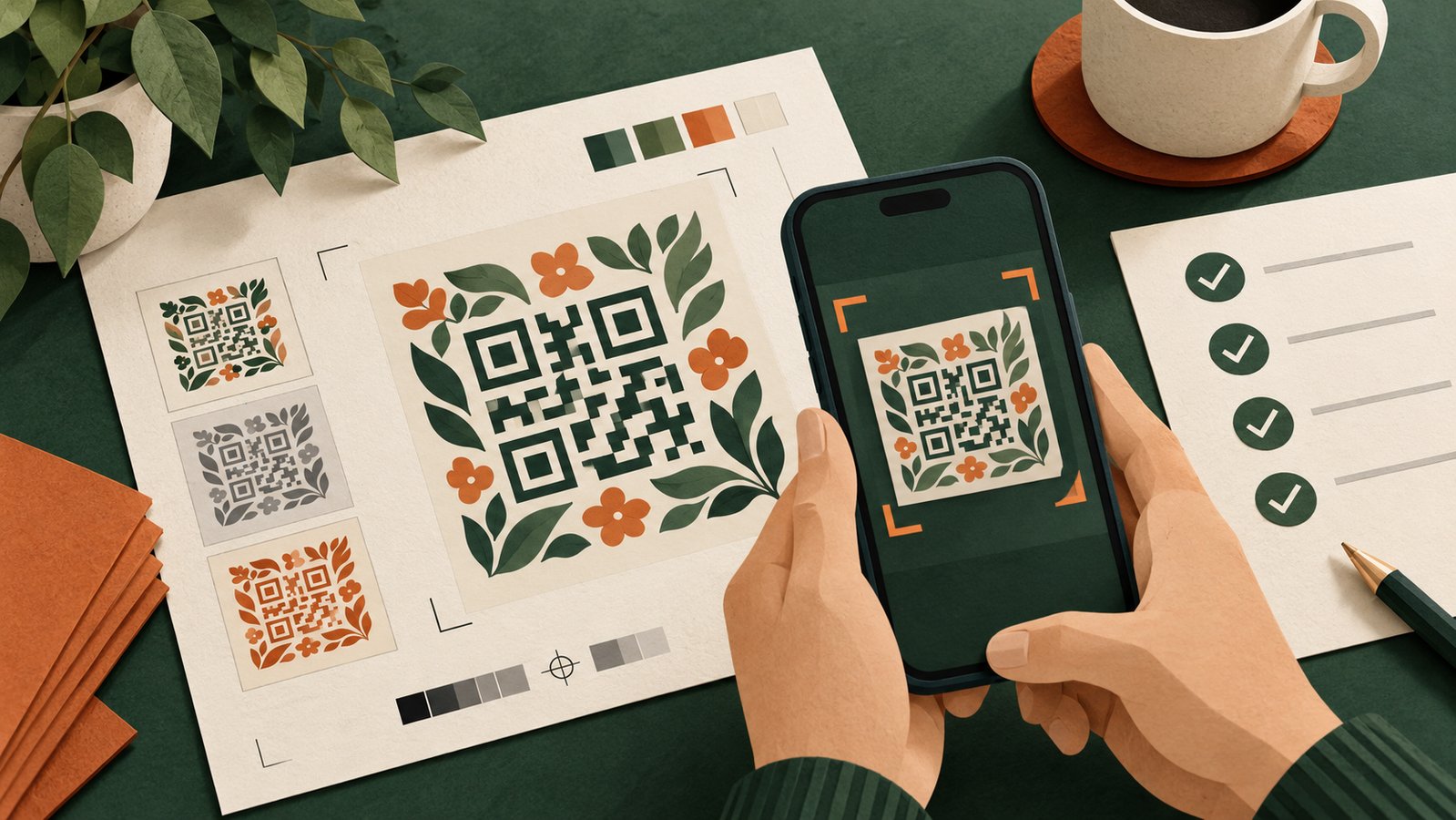
A QR can work in the editor and fail as a printed handoff. The design may be resized, recolored, placed on textured stock or exported from a different file than the one that was tested. Before approving a print run, connect the code, its destination and the physical material in one review.
This checklist is for a designer, client or small business preparing a final proof. It does not certify that any particular print process will work. Test a physical sample in the conditions where people will use it.
Confirm what the code contains
Write down the exact URL or contact payload represented by the approved artwork. If the code opens a hosted page, verify that the page is public and the intended actions work. A correct-looking pattern cannot compensate for an inactive destination.
If a code depends on an editable redirect, identify the account and original domain that must remain available. Printing a dynamic URL creates a long-term dependency on that route. Decide who will maintain it before copies leave the printer.
Match the label to the page
Read the words that appear beside the QR and then scan the final artwork. Does “View the menu” open the menu? Does “Save my contact” open a usable contact page or contact record? A mismatch is a content issue even when the code itself scans perfectly.
Use a hypothetical event card as a review exercise: if it promises a schedule but opens a homepage, either change the label or give the QR a schedule destination. The point is to make the next step predictable.
Check the final exported asset
Ask for the exact PNG or SVG used in the print layout. Check the file itself rather than a preview screenshot. If a logo was added, make sure the visible mark is readable and the surrounding code remains easy to capture. Keep a clear margin around the pattern and enough contrast between modules and background.
Test the version after every material design change that affects the pattern, size, colors or surrounding area. Enlarging a proof on screen is not a substitute for reviewing the final physical dimensions.
Review the proof at actual size
Print one representative copy on the intended stock if practical. Scan it at the distance and under the lighting a visitor is likely to encounter. Use more than one available phone if you can. Confirm the opened destination, not just whether the camera recognizes a code.
Look for problems a mockup hides: glare on glossy material, a fold crossing the code, nearby artwork that makes the border hard to see, or a label too small to read. This is a review checklist, not a claim that these problems were observed in a particular production job.
Preserve the approved version
Save the final artwork, destination and approval date together. Give the printer a clear file name and mark earlier exports as superseded so they are not accidentally used. After production, scan a finished piece before distributing the entire batch.
If a destination changes later, update the hosted page or redirect through the service that controls it and test an existing printed copy. A direct static payload printed inside a QR cannot be rewritten by changing a website setting.
The handoff is complete when the printed item, label and destination agree. A scan test is most useful when it covers all three.
Related reading: https://qr.creativall.com/?page=article&slug=qr-code-not-scanning-checklist&lang=en
Related reading: https://qr.creativall.com/?page=article&slug=do-qr-codes-expire-static-dynamic&lang=en