Your QR Before You Rebrand: What Should Stay Familiar?
Published by Creativall QR · Updated 2026-10-12
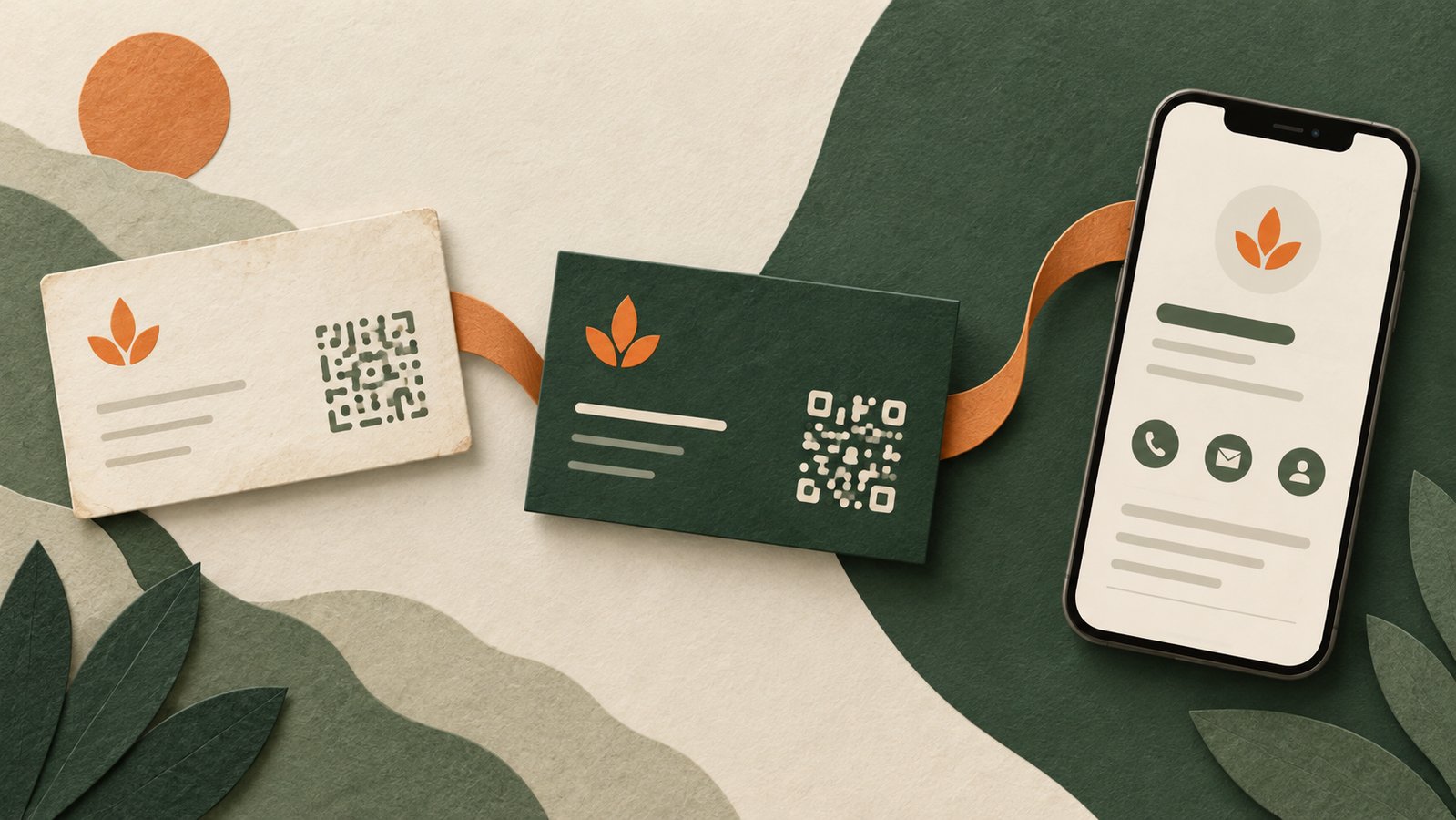
A new logo and website can make a brand feel more coherent. For someone holding an older printed card, however, the transition can be confusing. The QR still opens, but the page may show a name, color scheme or service description that they do not recognize.
Planning that moment is part of the rebrand. Existing printed materials remain in circulation after the new design goes live, and the people using them may remember the earlier identity.
Inventory the materials already in circulation
Start with the business cards, leaflets, packaging and signs that contain a QR. Scan a representative example of each design and record the actual destination. Do not assume that similar-looking codes contain the same address.
Distinguish between a direct URL, a hosted redirect and contact information encoded in the pattern. Updating a webpage changes what an existing URL can show. It does not rewrite the data in a static QR already printed on paper.
Keep a recognizable bridge
A visitor should be able to connect the old material with the new page. In a hypothetical studio changing its name, a brief factual note that it previously operated under the old name may provide that bridge. A familiar staff name or unchanged contact channel can also help.
Only use such a statement when it accurately describes the business. An explanatory note is not a reason to invent a company history or imply an association that does not exist.
Contact details need their own review
Visual changes are easy to notice; outdated phone numbers and email addresses are easier to miss. Review the text and the clickable actions separately. A button can have the correct label while its destination contains an old number.
If a code embeds a vCard directly, changing a hosted contact page will not update the encoded vCard. New contact details may require newly printed artwork. A hosted card offers a different update path, provided its existing URL and record remain available.
Treat a domain move as a separate dependency
Changing the display name of a site is different from retiring its domain. A printed QR contains an address or other fixed payload; it does not discover a replacement domain by itself. Before a domain move, plan how the original address will continue to reach the intended page.
Keeping control of the old domain and mapping its relevant routes is a practical part of that plan. An installer package alone does not preserve an old printed URL. Test the actual old links after migration rather than judging the move only by whether the new homepage opens.
Check the page on a phone
The transition should be understandable in the setting where people use the card. Review the opening screen, visible business name, contact actions and any explanation of the change. Avoid burying the connection to the old identity beneath a long announcement.
Ask someone familiar with the previous material whether they can identify the business on the new page. This is a suggested review exercise, not a claim that a user study has taken place.
Retire old material deliberately
Once the transition is stable, use the new artwork for future distribution and retain a record of the old destinations. The useful aim is continuity: people who kept an earlier card should still have a clear route to the business they intended to contact.
A rebrand can introduce a new identity while respecting the context of earlier introductions. The QR experience deserves a place in that transition checklist.
Related reading: https://qr.creativall.com/?page=article&slug=do-qr-codes-expire-static-dynamic&lang=en
Related reading: https://qr.creativall.com/?page=digital-business-card&lang=en