A QR Code on Packaging Should Earn Its Space
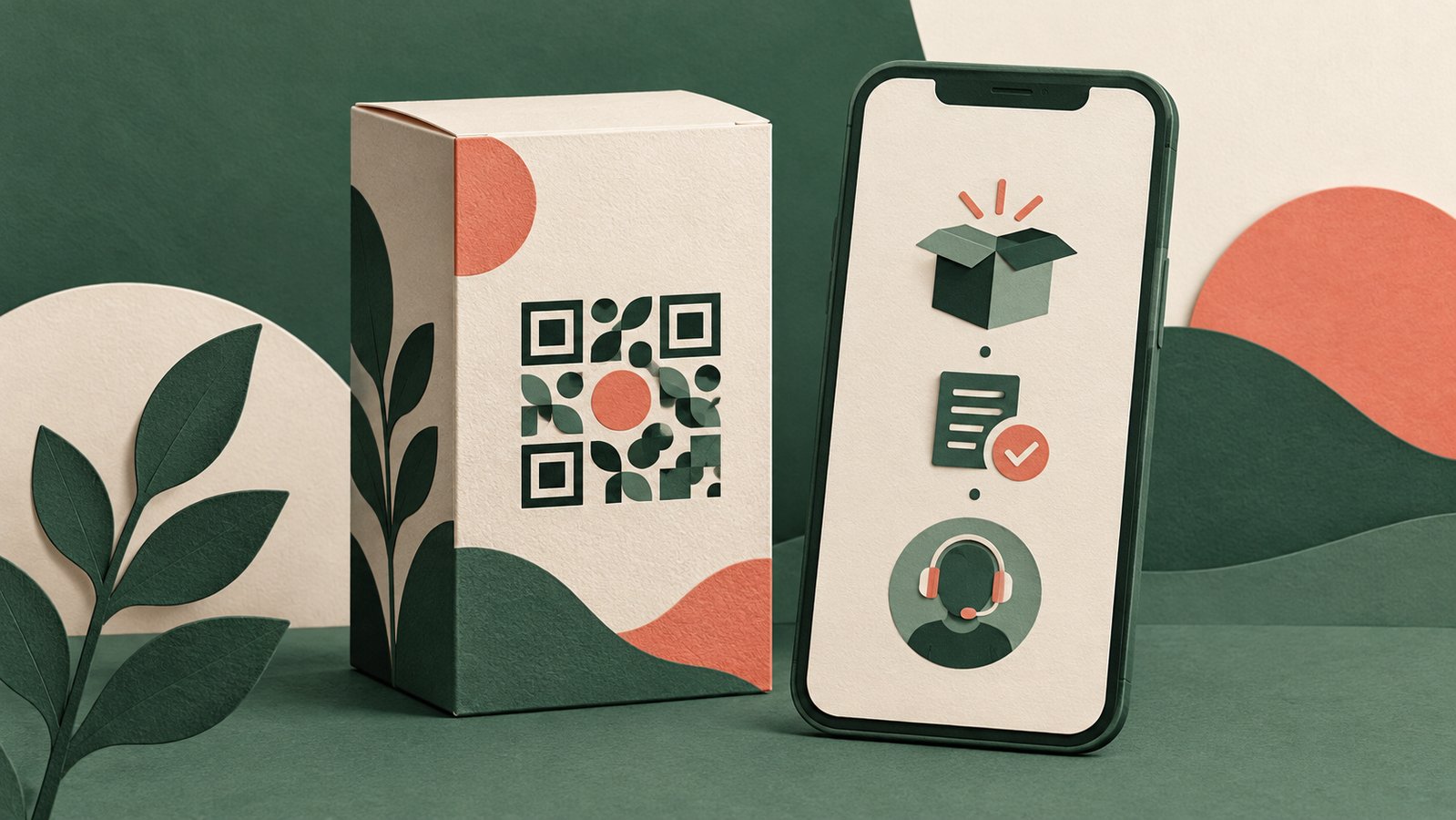
Published by Creativall QR · Updated 2026-10-15
A QR code is easy to add to packaging. Space on the package, however, is scarce, and a scan asks the buyer to take out a phone. The destination should solve a problem that matters at that moment. A code that merely repeats the front of the box may look modern without helping someone use the product.
Imagine a fictional maker of a refillable desk lamp. The buyer opens the box and needs a short setup sequence and care instructions. A clearly labeled link to those resources has a purpose. The example is a planning exercise, not a claim about observed customer behavior or sales.
Decide which moment the package serves
The outside of a box can help a shopper compare products. An insert inside the box can help a new owner set something up. A label on a reusable container may need to remain useful months later. These are different jobs. One generic landing page is rarely the clearest answer to all three.
Write the specific question a person is likely to have at the point of scanning. Then ask whether a short printed instruction would answer it better. Keep essential safety and legally required information on the physical package where it belongs; a QR destination should not be the only route to critical information.
Let the label tell the truth
“Open setup steps” is a more precise promise than “Discover more” when the page opens setup steps. If the page starts with a marketing banner and hides the instructions lower down, the printed promise and the destination no longer match. Describe exactly what a visitor will see, including whether an account or app is required.
The destination can contain several paths, but lead with the one named on the package. A simple first screen might offer setup, care and support as distinct choices. Avoid making the customer search through unrelated promotion to find the task that brought them there.
Plan for a long shelf life
Packaging can remain in circulation after a website redesign or product revision. Choose a stable URL on a domain the business intends to maintain. Assign someone to review the destination when instructions, support channels or product details change. If a printed code points to an editable page, the page can change while the printed pattern stays the same, provided the original route continues to work.
Keep a record of which package version uses which destination. Without that record, an update meant for a new version could confuse owners of an older one. A useful support page can identify the model or version before presenting instructions.
Test the whole experience
Check a proof at its actual print size, then scan a physical sample on more than one phone if available. Inspect the landing page on a narrow screen, confirm its links, and try the task described beside the QR. That review is more meaningful than checking the graphic alone.
The best packaging QR has a clear reason to exist after the purchase. It joins a specific physical moment to a page that answers the next useful question.
Related reading: https://qr.creativall.com/?page=article&slug=qr-print-handoff-checklist&lang=en
QR studio: https://qr.creativall.com/?page=generator&lang=en