Printed Menu or QR Menu? Give Guests a Clear Choice
Published by Creativall QR · Updated 2026-10-15
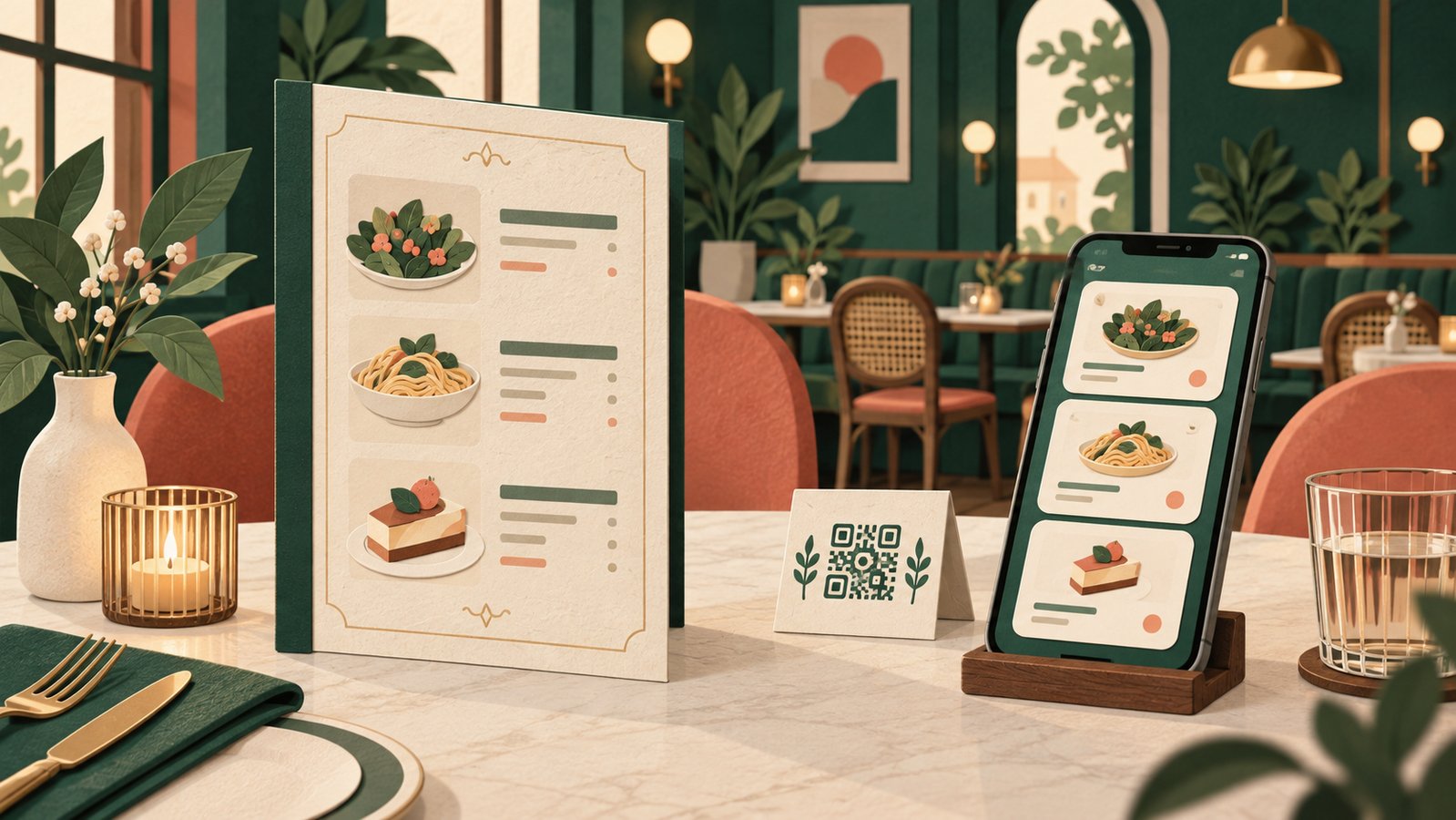
A paper menu and a QR menu can show the same dishes, but they ask different things of a guest. Paper works without a phone and is easy to browse together across a table. A QR destination can be updated without reprinting and may offer more space for details. The question is which experience fits the service, not which format appears newer.
Imagine a fictional small cafe that changes its specials each morning but keeps a stable core menu. It could print the core choices and link to current specials, or keep both versions available. This is a hypothetical service design, not a tested recommendation for every restaurant.
Start with access at the table
Guests may have a low battery, limited connectivity or a phone they do not want to use during a meal. A printed option provides a straightforward fallback. If the venue relies on QR alone, staff need an easy way to help someone who cannot or does not want to scan.
Consider group ordering too. One paper menu can be passed around. A digital page can be opened by several people, but each person needs a device and a working connection. Neither format automatically makes the conversation easier.
Match the update process to the menu
A QR points to a destination, so the restaurant must maintain the actual menu page. Changing a price in the kitchen does not update the page by itself. Assign responsibility for reviewing items, availability and links. If a printed code is already on tables, keep its original URL working when the site changes.
Paper carries its own maintenance cost: changing a printed price or item may require replacement copies. A restaurant with frequent changes can compare the real effort of updating the page against the effort of reprinting. Avoid assuming a QR system is automatically cheaper without accounting for page upkeep.
Make the digital page useful on a phone
The page should show food and drink choices promptly, with readable names, prices and descriptions. A large PDF that requires zooming may technically be online but still make browsing awkward on a small screen. If a PDF is the practical choice, test it on a phone at the table before relying on it.
If ordering or payment happens through a separate service, say so clearly. A menu QR should not imply that guests can order from the page when it only displays information. Equally, a code labeled “View menu” should not demand registration merely to read the choices.
Use the label and fallback together
Put a short, accurate label beside the code, such as “View today's menu.” Keep a clear border around the printed pattern and check the actual table sign under the venue's lighting. Tell staff where the printed fallback is stored and who fixes a broken menu link.
The format decision is reversible if the restaurant treats the menu as a maintained service. Offer the route that helps a guest choose, and keep another route available when the first one is inconvenient.
Related reading: https://qr.creativall.com/?page=article&slug=qr-call-to-action-expectation&lang=en
QR types: https://qr.creativall.com/?page=types&lang=en