One QR for Every Campaign? When Separate Codes Make Sense
Published by Creativall QR · Updated 2026-10-12
Using the same QR everywhere is convenient. There is one file to export, one destination to maintain and fewer opportunities to choose the wrong artwork. But convenience for the publisher does not always match the expectation of the person scanning a particular item.
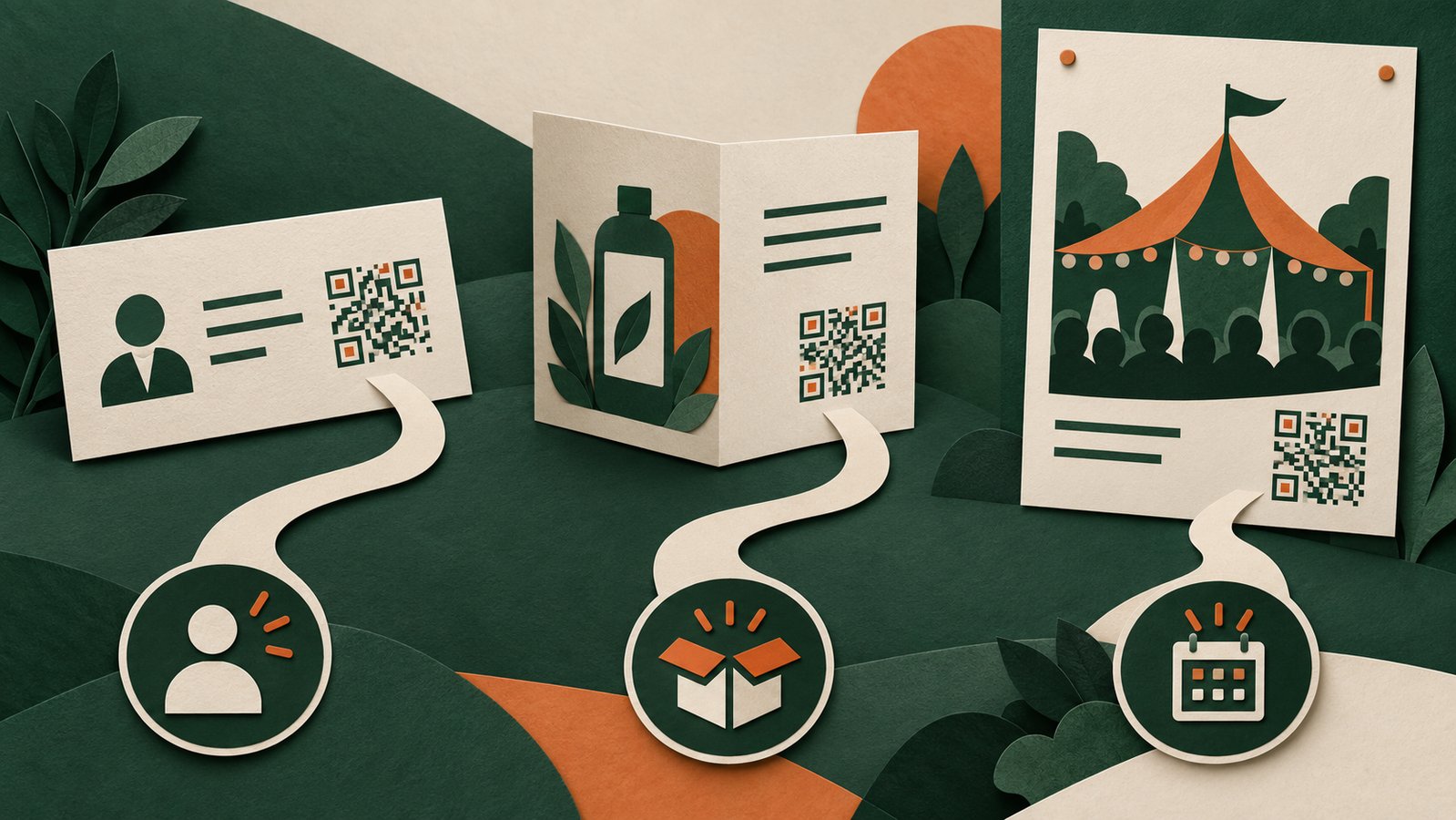
The right choice depends on whether those items promise the same experience. A business card, a product insert and an event poster may belong to the same brand while serving different purposes.
A shared destination works when the promise is shared
If every printed item invites someone to visit the same general website, a shared URL QR can be a sensible choice. The destination and the nearby label remain consistent across the materials. Changes to the website do not require a new QR as long as the encoded URL remains available.
A general homepage can also be appropriate when the visitor is exploring the brand without a specific task. It becomes less appropriate when the printed label promises an exact resource that the visitor must then search for.
Separate codes can preserve the context
Consider a hypothetical small business attending two events. At one, visitors want to save a staff member's contact details. At the other, the business is showing a particular service. A contact page and a service page support different conversations, even though both represent the same company.
Separate codes let each material open the page that fits its label. The benefit is clarity, not a guaranteed improvement in inquiries. A separate code cannot repair a page that lacks the promised information.
Choose the destination type before multiplying records
A URL QR opens an online destination. A vCard QR embeds contact information for compatible contact-handling software. A hosted digital business card offers a branded page and clickable contact choices, but relies on the page and its hosting remaining available. These formats answer different needs.
If the only difference between two designs is the color of the paper, you may not need two destinations. If the intended action changes from saving a contact to viewing a specific resource, the distinction deserves more attention.
Separate records create a maintenance job
Every extra destination needs a clear owner, an understandable name and a way to locate the printed material that uses it. Without that record, a dashboard full of similar codes can become difficult to maintain.
Keep a simple register: material name, encoded destination, intended action and where the item is distributed. Note whether the destination is a direct URL or a hosted redirect. Before replacing a file in a design, scan it and compare the result with that register.
Do not turn scan counts into customer counts
A code being opened does not establish that a new person contacted the business. Repeated visits, previews and testing can all complicate interpretation. Website analytics and QR access counters may also count different events.
Use measurements that the system actually provides, label their meaning and keep the visitor's next action distinct from the initial scan. Separate codes can help organize a campaign, but they do not automatically provide a complete attribution system.
Start with the fewest useful destinations
List the actions your materials invite. Share a code where the action and page are genuinely the same. Create a separate destination where a different promise needs a different page. This keeps the visitor's context clear without making the dashboard unnecessarily complicated.
Related reading: https://qr.creativall.com/?page=types&lang=en
Related reading: https://qr.creativall.com/?page=article&slug=digital-business-card-vs-vcard-qr&lang=en