NFC Business Card or QR Business Card? Compare the Handoff
Published by Creativall QR · Updated 2026-10-16
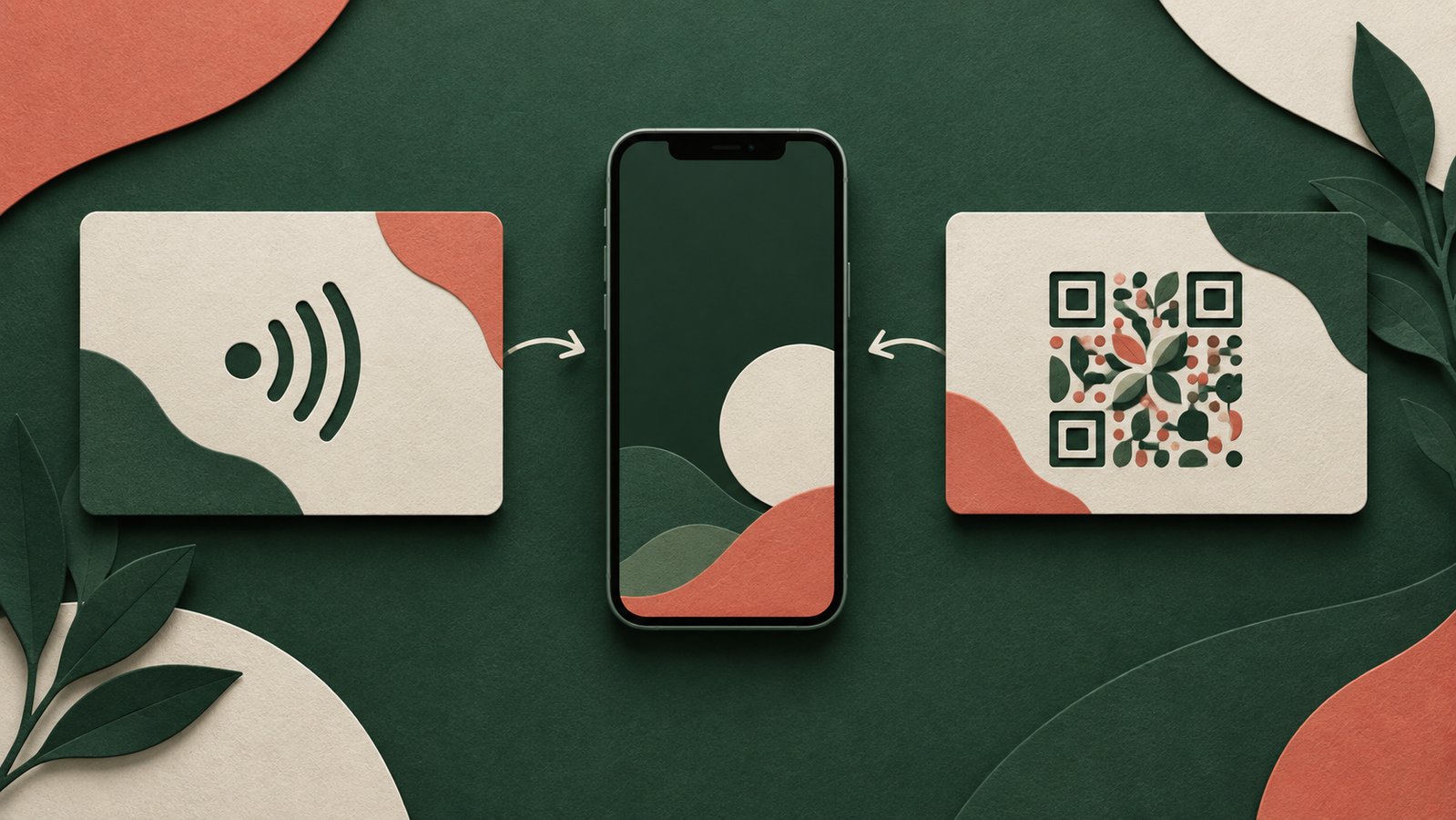
A modern business card may invite someone to tap an NFC chip, scan a QR code or use both. The technology starts the handoff; the destination determines whether the new contact can remember the person and take a useful next step. Choose the format for the setting and audience, rather than treating either one as an automatic upgrade.
The NFC Forum describes NFC as short-range communication that can open a web address from a nearby tag. A QR can encode a web address for a camera to scan. In either case, a hosted digital card still depends on its page and domain remaining available.
What a tap changes
An NFC card can feel quick in a face-to-face exchange: bring a compatible phone near the tag and follow the device prompt. The recipient must have a device that supports reading the tag and know where to place it. Device settings and behavior can differ, so test the exact card with the phones your audience is likely to use.
The tap surface is not visually self-explanatory. A small “tap here” cue can tell someone what to do. If the tag opens a web page, make sure its address and content match the identity on the card. An NFC chip alone does not guarantee that the contact will be saved.
What a visible code changes
A QR is visible and can be shared on print, screens or a remote call. The recipient needs a camera or scanner and a clear view of the pattern. On a small printed card, contrast, size and the quiet border affect whether it can be captured reliably. Test the final physical card.
A QR can also hold an offline vCard instead of a page link. That may help when a web page is not the right route, but the embedded contact details cannot be changed after that card is printed. A hosted link offers another maintenance model: keep the original URL working and update the page behind it.
Compare the actual destinations
Imagine a hypothetical consultant who meets clients in person and also joins video calls. An NFC tag may be convenient at a table; a QR shown on screen may serve remote introductions. Both could lead to the same carefully maintained contact page. This example describes a workflow, not a tested conversion result.
Ask what visitors see after the tap or scan. Is the name clear? Are phone, email and company links current? Can a visitor save contact details where supported? Does the page explain who they just met? These questions matter more than a promise of frictionless networking.
Decide who maintains the link
Record the destination encoded in each printed asset or chip. When a role, number or website changes, update the hosted page and test both entry methods. If you change domains, keep the old route alive for cards already circulating.
For a mixed audience, a card with both tap and scan options can provide a fallback. Keep the design readable, label each action and check that both reach the intended page. The best handoff is the one a recipient can understand and use.
Sources: https://nfc-forum.org/learn/what-nfc-does and https://nfc-forum.org/learn/nfc-technology/
Related reading: https://qr.creativall.com/?page=article&slug=digital-business-card-vs-vcard-qr&lang=en
Digital business card tool: https://qr.creativall.com/?page=digital-business-card&lang=en