A Location QR Should Help Visitors Find the Entrance
Published by Creativall QR · Updated 2026-10-31
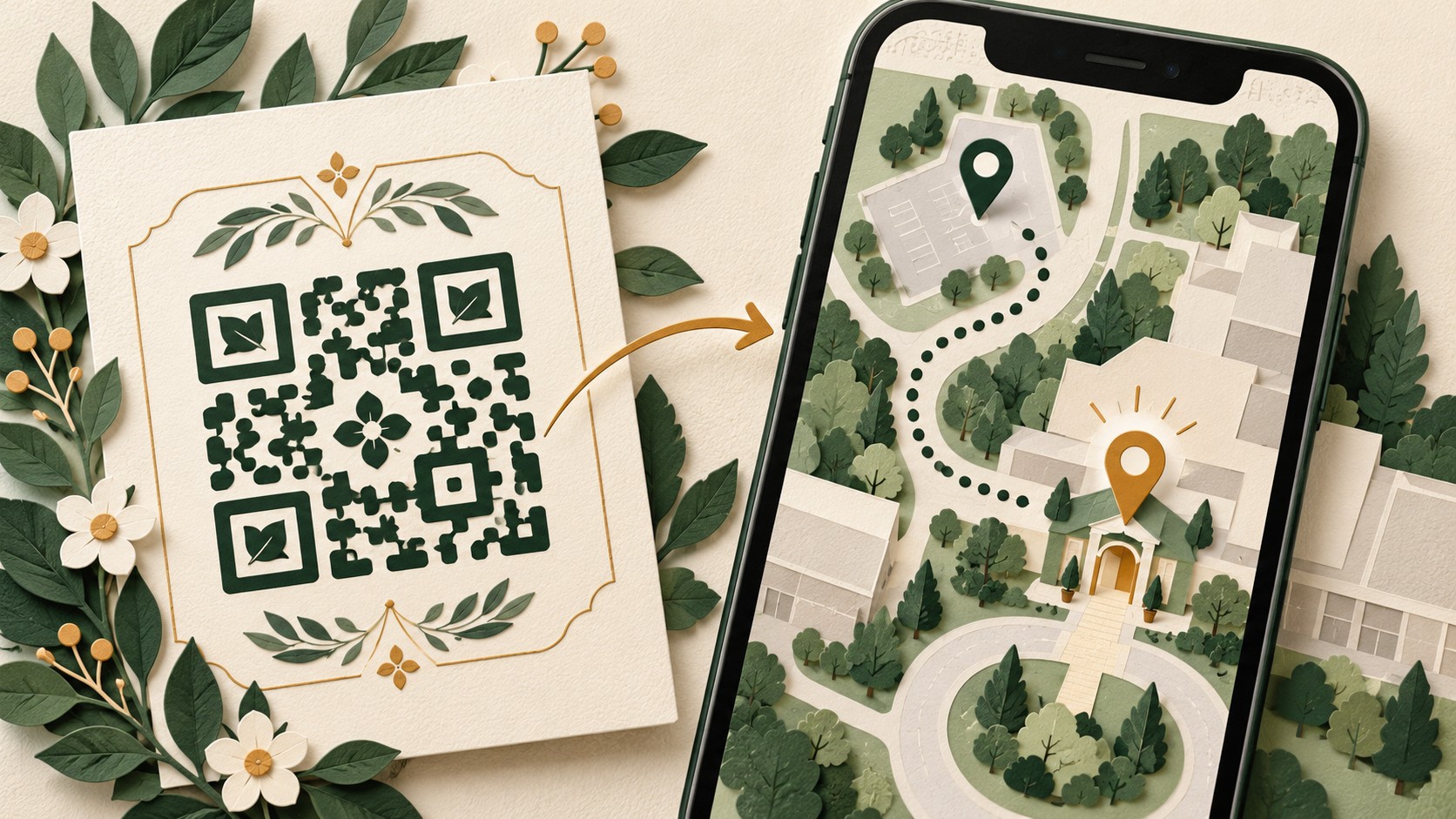
A location QR can open a map quickly, but a pin is not the whole arrival experience. A visitor may reach the correct building and still be unable to find the entrance, reception or meeting point. Plan the destination around the last part of the journey, not only the street address.
This guide offers a practical review for event venues and businesses. Mapping applications and route conditions vary, so it does not promise a particular journey or universal device behaviour.
Confirm what the code opens
Establish whether your code contains coordinates, a map link or an ordinary arrival page. Scan it and inspect the actual result. Check the venue name, street address and pin placement rather than accepting a familiar-looking map as confirmation.
If several businesses share a building, make sure the destination identifies yours. A search result for a similarly named venue may lead to a different branch.
Check the entrance, not just the building
Imagine a fictional workshop in a large courtyard. The pin sits in the centre of the block, but guests enter from a side street. Add clear written arrival information on a maintained page, including the entrance name or landmark when useful.
Describe verified access arrangements without guessing. If the main doorway has steps and another entrance is available, obtain accurate details from the venue before publishing them. Do not label a route accessible solely because a map suggests it.
Keep practical details close to the map
State the full address in readable text so a visitor can copy it into another application or share it with a driver. Include a floor, unit or reception instruction where relevant. Use current venue information for parking, public transport and opening times rather than assuming these remain stable.
If conditions may change, point readers to the venue's maintained arrival information. Avoid embedding a long list of unverified route directions in a QR that cannot be updated.
Test from a visitor's starting point
Ask someone unfamiliar with the venue to explain where the link would take them. Test on a phone, check how the map application opens and compare the result with the printed invitation. Do not perform navigation testing while driving.
A successful scan confirms only that the device can interpret the pattern. It does not establish that the arrival instructions are accurate or that a particular route is safe.
Leave a route without scanning
Print the address and a readable web alternative. For time-sensitive events, include a suitable contact route for arrival questions if the organizer can support it. Review those details whenever the venue changes.
Related reading: QR accessibility and fallback routes — https://qr.creativall.com/?page=article&slug=qr-code-accessibility-alternative-to-scanning&lang=en
Before approving the design, ask whether a visitor can identify the correct venue, understand the entrance and continue without the QR. The best location invitation helps with all three.