An Event Badge QR Should Continue the Conversation
Published by Creativall QR · Updated 2026-10-16
A badge identifies someone in a crowded room. A QR on that badge can help a conversation continue, but only if the scan opens something the other person can use. A badge full of codes and logos may look sophisticated while leaving a visitor unsure which action to take.
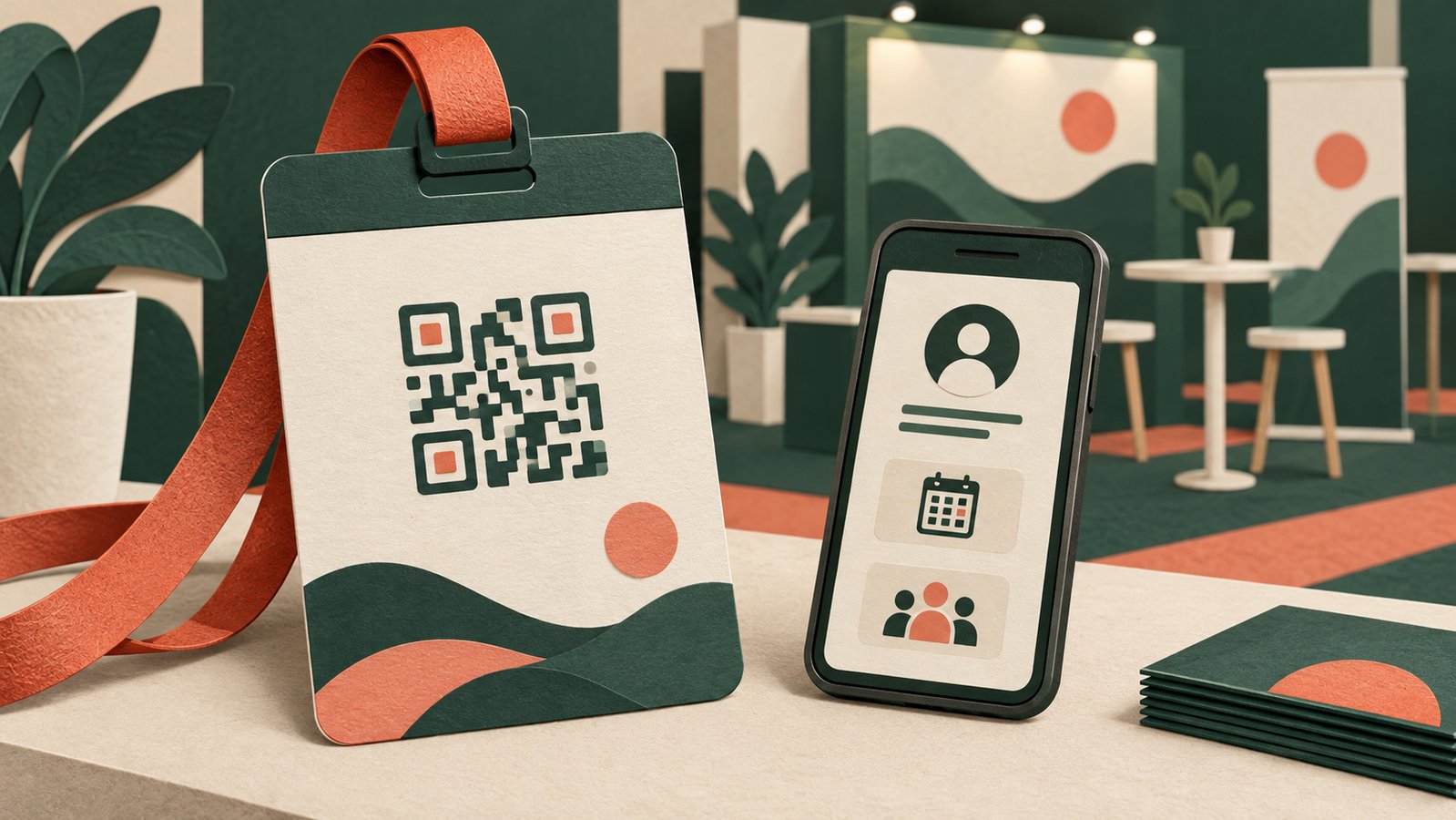
Imagine a hypothetical conference speaker who meets partners after a session. A code labeled “Save my contact and session links” could lead to a page with the speaker’s name, organization, contact options and referenced material. This is an illustrative scenario, not a customer case study or a claim of more leads.
Give the code one clear job
Decide whether the badge is for a personal contact handoff, session resources, a team page or event navigation. These destinations answer different questions. If a badge has one small QR, choose the action most relevant to the person wearing it. If multiple codes are necessary, give each a distinct label and enough separation that scanners can target the intended one.
For a personal badge, the destination should make the name and role immediately recognizable. People may scan after a short introduction and need a reminder of whom they met. A generic homepage loses that context.
Respect the boundary between public and private
An event badge is visible to many people, including strangers and cameras. Only print a code that opens information the wearer intends to share publicly. Avoid exposing a private phone number, personal email or internal event record without the person’s consent. An event organizer’s attendee-management system may have separate privacy rules; a public contact QR is not a substitute for those controls.
If a group manages staff badges, let each person review their displayed details and assign someone to update pages when roles or contact routes change. The badge should not become a permanent public directory entry by accident.
Make the mobile page useful in the hallway
The recipient is probably standing, moving or between sessions. Lead with the name, a brief reason to reconnect and one or two useful actions. A “save contact” option can help where supported; a clearly labeled email or website link can offer another route. Put session resources behind an obvious link rather than forcing someone to scroll through a long biography.
If the page asks for registration before showing basic contact details, the badge should say so. Do not print “save my contact” when the scan only opens an inaccessible form.
Test the badge as worn
Print a sample at actual size and scan it under typical event lighting. Lanyards move, badges rotate and glossy sleeves can reflect light. Check the code on the physical badge, the mobile destination and every contact link before the event. Keep a clear border around the pattern.
After the event, maintain the destination for as long as the printed badge or shared image may circulate. If the page contains temporary session information, give it a stable contact route when that material expires. The badge QR should help the other person pick up the thread, not make them start the search again.
Related reading: https://qr.creativall.com/?page=article&slug=team-vs-personal-digital-business-cards&lang=en
Digital business card tool: https://qr.creativall.com/?page=digital-business-card&lang=en