Digital Business Cards vs Link Pages: Which Fits Your Brand?
Published by Creativall QR · Updated 2026-10-11
A digital business card and a link page can both sit behind a QR code, display your identity and be shared as a URL. That similarity makes them easy to confuse. Choose the format around what you want the visitor to do after arriving.
If the page is meant to continue a personal introduction, contact actions may deserve the most attention. If it is meant to help an audience choose among several resources, a list of carefully labeled links may fit better.
A digital card focuses on a person and a conversation
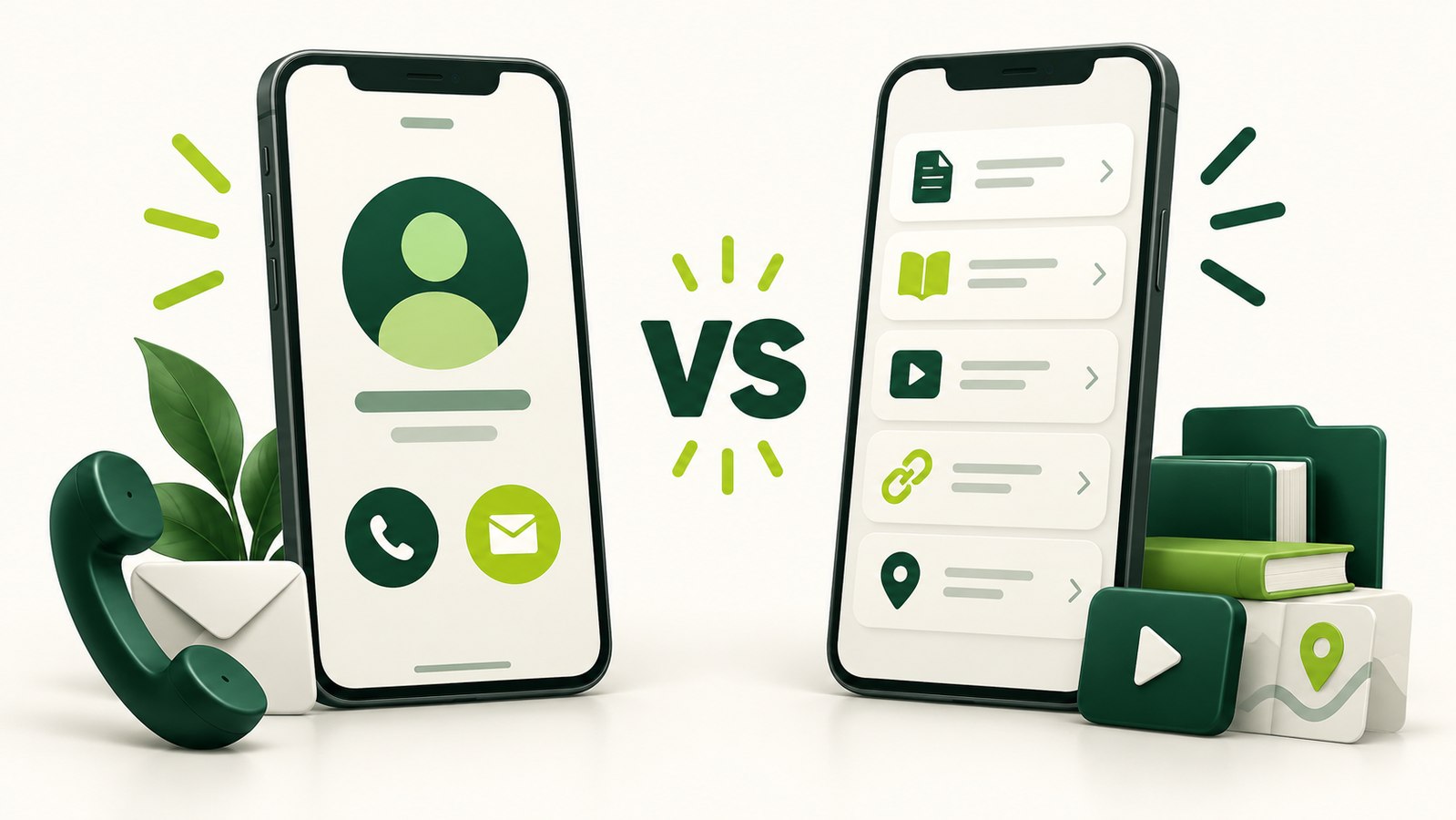
A digital business card usually centers on a name, role, brand and contact details. In this workspace, its public page can show a supplied business card image, phone and WhatsApp actions, an email address and a downloadable vCard. Additional links can provide context without becoming the only way to contact the person.
Imagine an independent consultant meeting a potential client. A page that explains who the consultant is and offers clear contact choices can support that specific introduction. The useful question is which contact choices support that introduction.
A link page focuses on a choice of destinations
A link page is useful when the next step could be one of several resources. A visitor might want a portfolio, an existing booking page, a company website or a particular document. The page provides a common starting point, while each linked service continues to do its own job.
In Creativall QR, the link-page format displays the supplied links as labeled destinations. It does not automatically turn a booking link into a scheduling system or a document link into file hosting. The usefulness of the page depends on the relevance and availability of those external resources.
The formats overlap, but their emphasis differs
A digital card can include extra links, and a link page can carry a person's name and brand. The choice is therefore about emphasis. Are you organizing ways to reach a person, or ways to explore a set of resources?
If contact download and phone actions are central, the digital card makes that purpose explicit. If the page's main job is to introduce several destinations, the link-page format can keep those choices visible. Adding every possible destination to either format is not a substitute for deciding which ones belong there.
Start with the visitor's reason for arriving
A QR on a printed business card has a different context from a link shared with a broad online audience. The person holding the printed card may already know why they want to speak to you. Someone following a public profile link may first need to understand what you offer and which resource answers their question.
You do not need to infer that every visitor has the same intention. Make the likely purpose clear and label alternatives honestly. "View selected work" describes a different next step from "Call" or "Save contact."
Think about maintenance before printing
Both hosted formats depend on the platform domain, hosting and saved record remaining available. Editing the same record can update what its existing public URL displays, but moving domains still requires a plan for the old printed URL. A new canonical domain does not change the address already encoded in a QR.
External links need attention too. A portfolio path can change, a document can be removed or a third-party booking page can be discontinued. A page that organizes links remains useful only while those destinations remain useful.
Choose the purpose, then choose the format
For a contact-focused introduction, begin with a digital business card. For a shared starting point that organizes several resources, consider a link page. If an embedded offline contact record is the real requirement, compare a vCard QR as a separate option.
The aim is a page that fits the introduction you want to make. A recognizable brand and a clear next step matter more than filling the screen with features that the visitor did not come to use.