Is Your Business Card Making People Work Too Hard?
Published by Creativall QR · Updated 2026-10-11
You finish a useful conversation, hand over a well-designed business card and feel that the introduction went well. Later, the other person wants to reach you. They have to choose a number, type it correctly, decide whether it works on WhatsApp and perhaps search for the right website. The card has preserved your details, but it has also handed over a small administrative job.
Imagine that handoff from the recipient's point of view. It raises a question worth asking about any business card: does it help someone take the next step, or does it simply contain enough information for them to work that step out?
Looking professional is only part of the job
A printed card can communicate a great deal through its logo, typography and materials. Those choices may help someone connect the card with the person they met. Yet visual identity and contact usability are separate decisions. Beautiful lettering does not prevent a phone number from being mistyped, and a prominent web address does not tell someone which page will answer their immediate question.
The useful design question is therefore not only whether the card looks good. It is whether a person holding it can see who you are, understand what you do and choose one sensible action without studying every line.
Think about the moment after the introduction
Different businesses invite different next conversations. A tour operator might want an inquiry about an itinerary. A designer might want someone to view selected work before requesting a project. A local service provider might prefer a phone call. A card that treats every channel as equally important can leave the visitor to decide what the business actually wants them to do.
That does not mean removing every secondary option. It means making the primary action understandable while retaining alternatives for people who prefer another channel. A clear call button and a clearly labeled email address have different purposes; neither needs to pretend to be the universal choice.
Keep the artwork and make the details usable
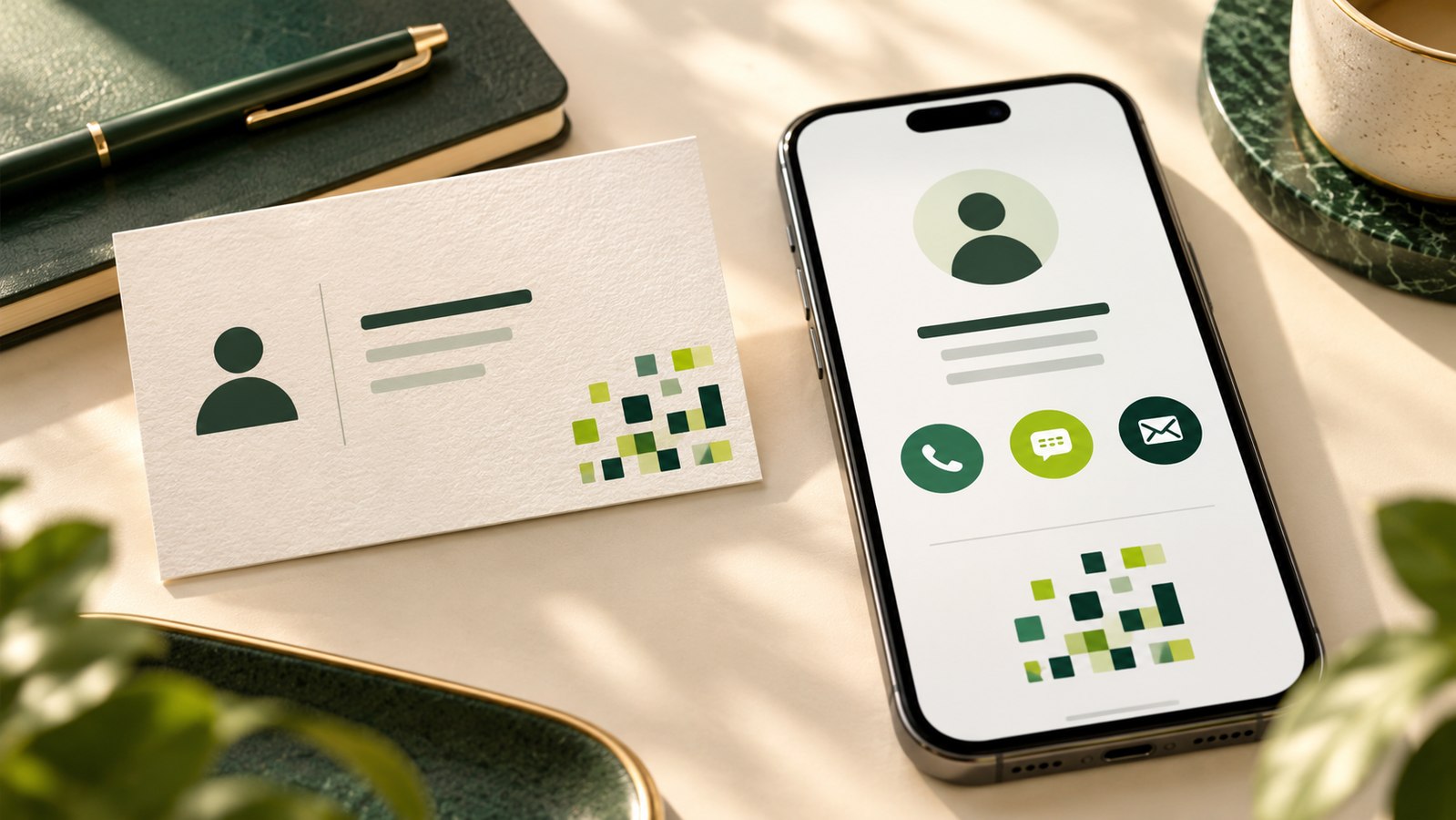
One option is to connect the printed card to a digital contact page. In Creativall QR, the existing card image can appear above phone, WhatsApp and email links, with a downloadable contact record. This lets the artwork remain recognizable while the details become directly usable on a compatible device.
The original image can still contain useful information, but it should not be the only way a visitor can obtain the important contact details. Text in a picture cannot always be selected or used as a contact action. A page that merely displays the image may reproduce the same manual work as the printed card.
A short contact page can be enough
A digital business card does not need to become a full company website. For someone who has just met you, a name, role, recognizable brand and clear contact choices may be more relevant than a long sales presentation. The page can link to the full website when deeper information is needed.
There is also a practical cost to a hosted page: its domain, hosting and saved record must remain available. If you want contact details embedded directly in the QR instead, an offline vCard QR is a different option. It lacks the hosted branded page and its contents cannot be changed after printing.
Judge the handoff, not just the design
A useful business card supports the conversation that comes next. Ask someone unfamiliar with your layout what they would tap or type first and why. Their answer can reveal an unclear label or an unexpected destination without proving anything about sales performance.
The point is to make the handoff easier. A clearer card cannot guarantee an inquiry, but it can remove avoidable work from the path of someone who already wants to contact you.